
TL;DR
- Use a reputable no-logs VPN to mask your IP and encrypt traffic.
- Proxy servers hide your IP but often lack encryption and may log activity.
- Tor provides strong anonymity for browsing but can be slow for streaming.
- Choose the tool that matches your speed, privacy, and use-case needs.
Understanding IP Addresses and Why You Might Hide Them
When it comes to disguise IP address, Every device on the internet carries an IP address, a numeric label that reveals your approximate location, ISP, and sometimes the device type. When you visit a website, that address is logged, allowing advertisers, governments, or malicious actors to build a profile of your online habits. Disguising IP address stops this data trail in its tracks.
People disguise their IP for many reasons: streaming geo-restricted content, protecting personal data on public Wi-Fi, avoiding price discrimination, or simply keeping their browsing history private. The need for privacy is real, especially after high-profile data breaches that exposed millions of users.
What You Need Before You Start
Before you begin masking your IP, gather these essentials:
- A reliable internet connection (wired or Wi-Fi).
- A device that supports VPN or proxy software. Windows, macOS, iOS, Android, or Linux.
- Clear goals: streaming, secure banking, or anonymity for research.
- Budget considerations, free tools exist but often come with limitations.
Having these items ready saves time and prevents mid-process frustration.
How to Disguise IP Address Effectively
This is the only heading that repeats the exact focus phrase. Follow the three main methods, weigh their pros and cons, and decide which fits your lifestyle.
1. Use a VPN (Virtual Private Network)
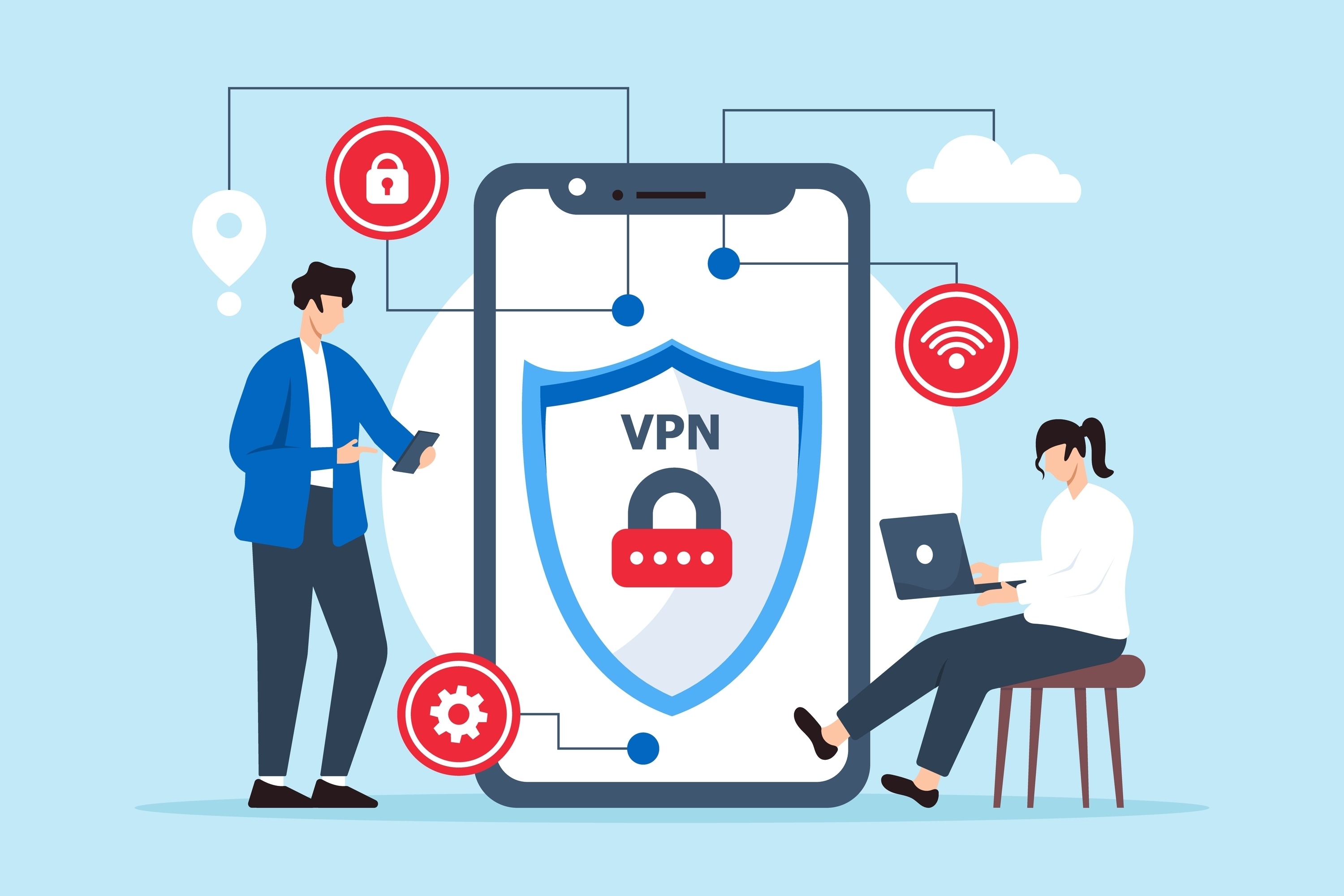
VPNs create an encrypted tunnel between your device and a server in another location. The server’s IP replaces yours, making it appear as if you’re browsing from that region. Most premium VPNs, like KeenVPN, enforce a strict no-logs policy, meaning they never store your activity.
Benefits: strong encryption, high speeds for streaming and gaming, wide server network, and built-in kill switch to prevent leaks. Limitations: subscription cost, occasional server congestion, and reliance on the provider’s trustworthiness.
For most users, a VPN offers the best balance of privacy, speed, and ease of use.
2. Set Up a Proxy Server
Proxies act as intermediaries that forward your requests through another server, swapping out your IP. They come in HTTP, SOCKS5, and transparent varieties.
Benefits: often free or cheap, simple to configure for specific apps, and useful for bypassing simple geo-blocks. Limitations: no encryption, many proxies log traffic, and they can’t protect all applications on your device.
Use a proxy when you need a quick IP change for a single browser session and don’t require full privacy.
3. Browse with Tor
Tor routes your traffic through at least three volunteer-run relays, encrypting it multiple times. The exit node’s IP is visible to the destination, not yours.
Benefits: high anonymity, free to use, and great for whistleblowers or journalists. Limitations: slower speeds due to multiple hops, some websites block Tor exit nodes, and it doesn’t encrypt traffic beyond the exit relay.
Tor is ideal for research or activism where anonymity outweighs performance.
Step-by-Step Guide to Disguising Your IP
- Identify your primary need. Are you streaming Netflix US, securing banking on a café Wi-Fi, or needing full anonymity? This determines the tool.
- Choose a service. For speed and encryption, pick a reputable VPN. For occasional geo-bypass, a trusted proxy may suffice. For high anonymity, download Tor Browser.
- Install and configure. Download the VPN app, log in, and select a server in the desired country. For a proxy, input the server address and port in your browser or app settings. For Tor, install the browser and adjust security level.
- Test your new IP. Visit a site like whatismyip.com to verify the displayed address matches the server location.
- Enable extra safeguards. Turn on the VPN’s kill switch, use DNS leak protection, and consider a firewall rule for proxy traffic.
- Maintain good habits. Keep the software updated, rotate servers periodically, and avoid logging into personal accounts while using Tor.
Combining Tools for Layered Protection
Many power users stack a VPN on top of Tor to add an extra layer of obscurity. By connecting to a VPN first, your ISP sees only encrypted traffic to the VPN server, while the VPN provider sees that you’re using Tor but not the final destinations you visit. This configuration can protect against malicious exit nodes that might attempt traffic analysis, because the exit node now sees traffic coming from the VPN server rather than directly from you.
Another common pattern is using a proxy for a specific application while the rest of the system runs through a VPN. For example, you might route a video‑streaming app through a fast VPN server in the US to access a regional library, while sending all other traffic—including email and banking—through a different server that offers stronger privacy guarantees. This selective routing helps you balance speed and security without sacrificing either.
References
- IP address - Wikipedia -- General explanation of IP addresses and what they reveal
- Virtual private network - Wikipedia -- Overview of VPN technology and privacy benefits
- Tor (network) - Wikipedia -- Details on Tor’s anonymity model and limitations
- Federal Trade Commission. Data Breach Notification -- Authority on data breach settlements and consumer rights

No comments yet. Be the first to share your thoughts!
Leave a Comment