
Remote workers
Route work apps through KeenVPN for security, but use direct connection for streaming and downloads to avoid company logs.

Choose which apps use the encrypted tunnel and which trusted apps connect directly.
 Included on every plan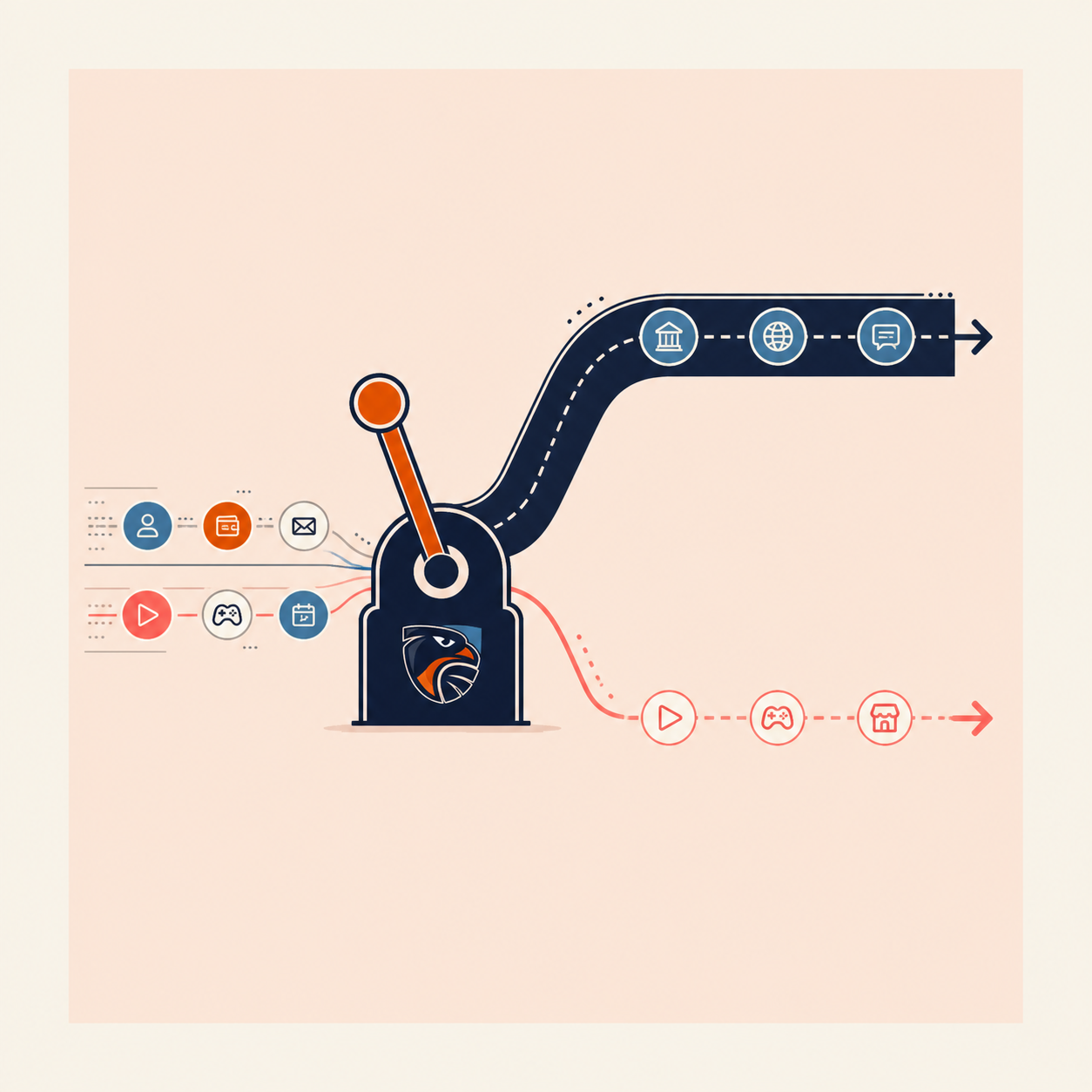
Route work apps through KeenVPN for security, but use direct connection for streaming and downloads to avoid company logs.

Keep your game client encrypted but bypass the VPN for game servers to reduce latency and avoid connection issues.

Protect sensitive browsing, but send video calls and large file transfers direct for full bandwidth.

Encrypt web browsing but exclude streaming apps that have regional restrictions and benefit from a local connection.
Three steps to fine-grained control.

Find the "Split Tunneling" or "App Exclusions" section in KeenVPN settings.

Select which applications you want to bypass the VPN. The list is searchable and categorized.

Excluded apps connect directly. Everything else routes through KeenVPN. No restart needed.
The features every VPN has, plus the two rows only KeenVPN wins.
| Scenario | Without Split Tunneling | With Split Tunneling |
|---|---|---|
| You want banking secure + streaming fast | All traffic through VPN (slower streaming) | Bank app → VPN | Netflix → Direct (best of both) |
| You're on a work VPN + personal browsing | Choose one: either work or personal secure | Both simultaneously (work apps → work VPN | personal → KeenVPN) |
| You need bandwidth for a large download | VPN encryption adds overhead to every packet | Exclude download app, use full ISP bandwidth |
| You want privacy but avoid regional blocks | Use VPN, get blocked from local services | Private browsing + direct access to local services |
Common questions about split tunneling and choosing what routes through the VPN.