


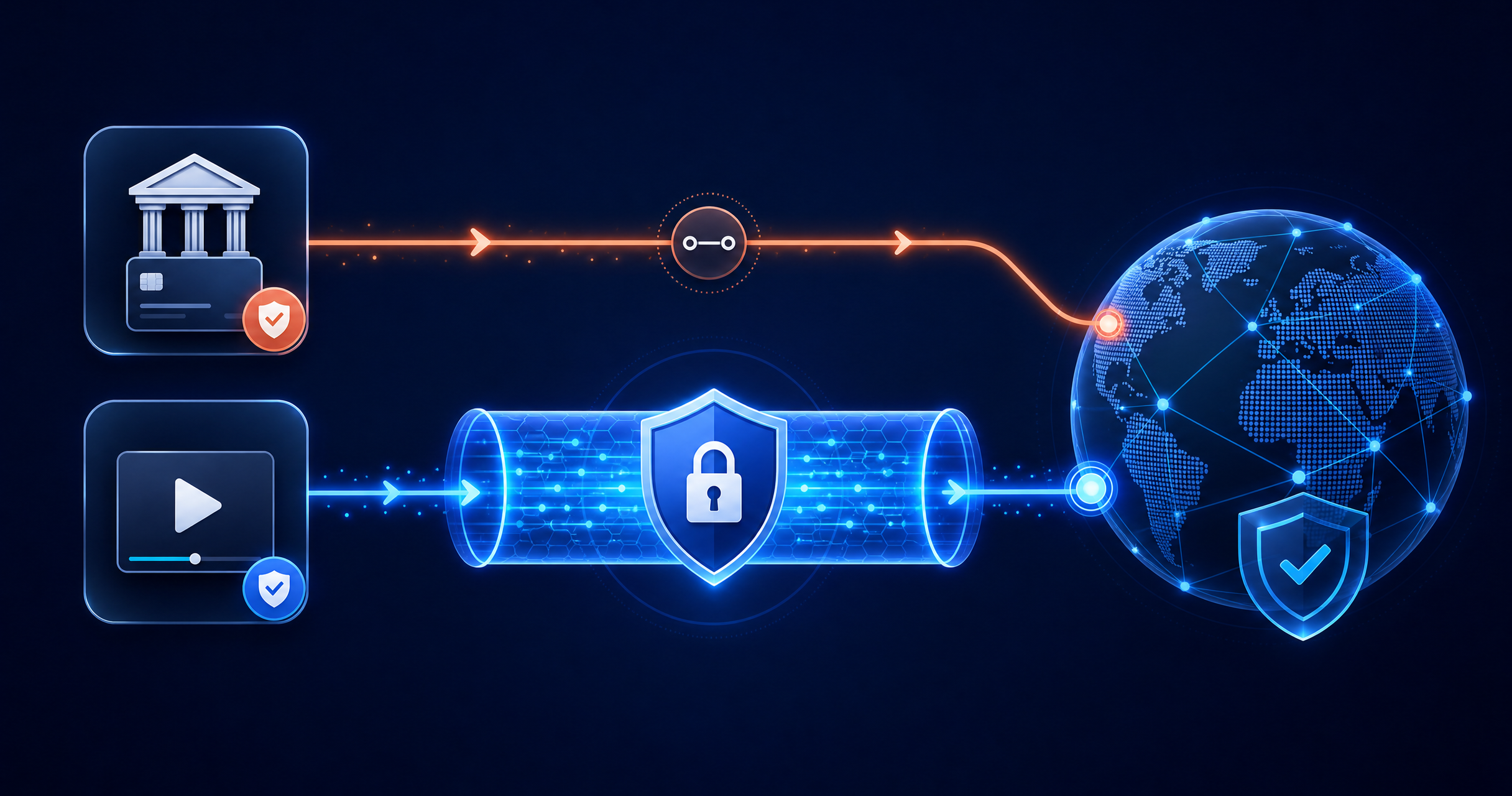
Two common VPN frustrations pull in opposite directions. Banking apps sometimes flag or block connections coming through a VPN, treating the unfamiliar IP as a fraud signal. Streaming, meanwhile, usually works better through a VPN — more server choice, more consistent speed. Most people solve this by switching the VPN on and off constantly, which defeats the point of having one. Split tunneling solves it properly.
What split tunneling actually does
Split tunneling lets you choose which apps route through the encrypted VPN tunnel and which connect directly, at the same time. Your banking app can bypass the tunnel and connect the way it normally would, while your streaming app — and everything else — stays routed through KeenVPN. No toggling, no reconnecting, no choosing between the two.
Also Read: How to Switch From NordVPN to KeenVPN Without Losing Paid Time
How to set it up
- Find the feature. Open the KeenVPN app and go to split tunneling in settings.
- Choose your excluded apps. Select the apps you want to exclude from the VPN tunnel — typically banking or other apps sensitive to IP changes.
- Leave everything else protected. Everything not on your excluded list — including streaming — stays routed through the VPN as normal.
Why this matters more than it sounds
Without split tunneling, people tend to just leave the VPN off most of the time so their banking app works, which means they're unprotected far more often than they mean to be. With it, the VPN can stay on by default, and the one app that needs a direct connection gets it without compromising everything else.
See the full list of available locations on server locations, or get started if you're ready to set it up


