



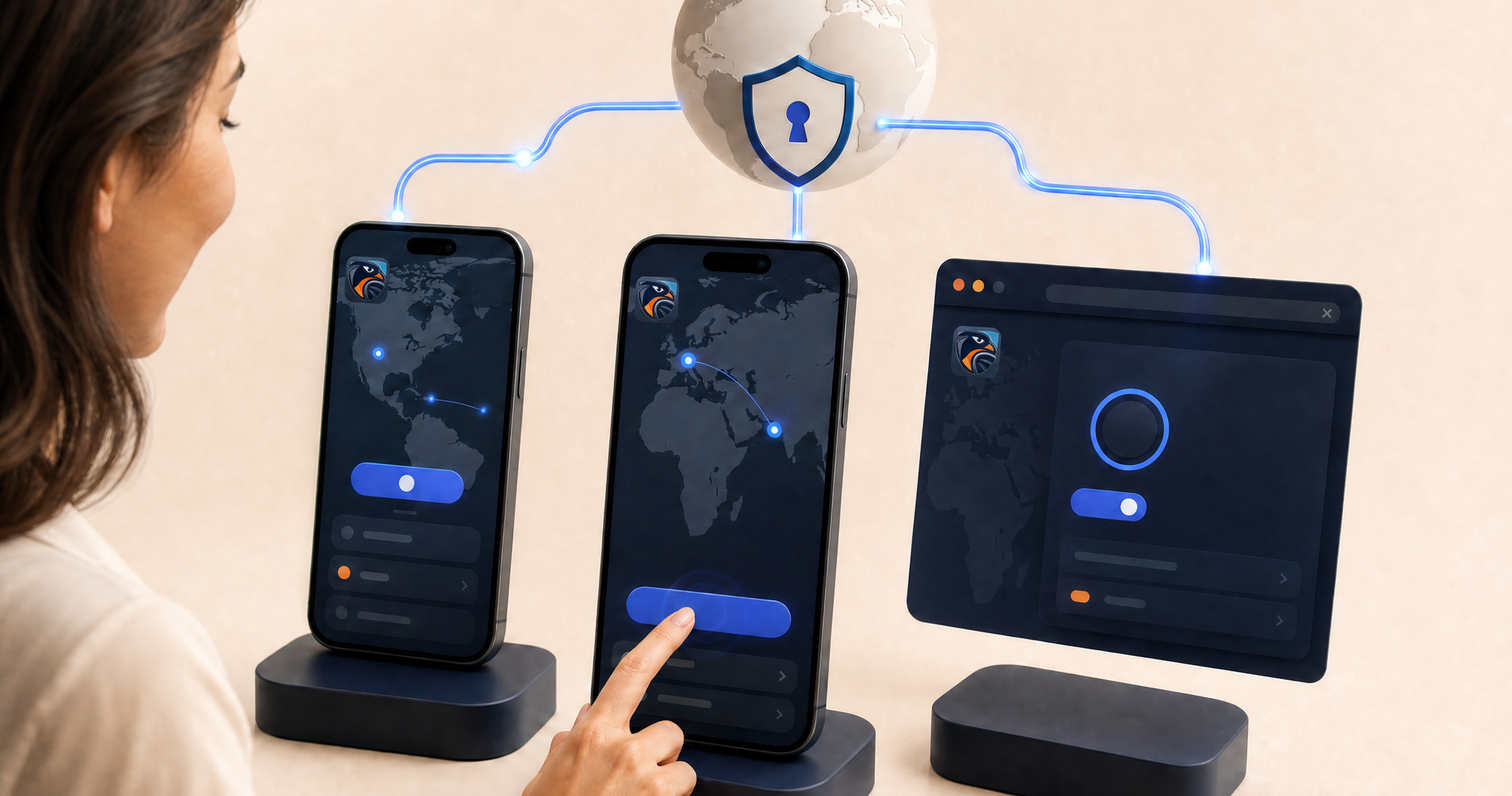
KeenVPN is now available on three platforms at once: iOS, Android, and Chrome. Whether you want full-device protection on your phone or a lighter, browser-level option on your laptop, there is now a KeenVPN option built for it.
This release brings the same core focus to every platform: a fast, modern connection built on WireGuard, straightforward server selection, and a setup process that does not require any technical background.
What is new on iOS
The iOS app is built around simplicity. Open it, pick a location from a searchable server list, and connect. The app currently offers coverage across 40 locations, with server options shown directly on the map view so you can see where you are connecting before you tap Connect.
A single KeenVPN plan covers up to three devices, which makes the iOS app a natural fit alongside the Android and Chrome versions if you use more than one device day to day. Support is available around the clock if you run into a setup question.
What is new on Android
The Android app mirrors the iOS experience with the same map-based server picker and one-tap connection. It is built on WireGuard, the modern VPN protocol designed for speed without giving up strong cryptography. That combination matters most on mobile, where battery life and connection speed are both a priority.
Account settings, device management, and membership sharing are all available directly in the app, so you can see which devices are connected under your plan and manage them without leaving the Android app.
What is new on Chrome
The Chrome extension is a different kind of tool from the mobile apps, and it is worth understanding the distinction. Rather than routing your entire device's traffic, a browser extension typically applies to traffic inside that browser. The KeenVPN Chrome extension focuses on browser-level protection along with a sign-in flow for unlocking partner perks tied to your account.
If you need protection across your whole device, whether that is video calls, other apps, or your operating system's own traffic, the iOS or Android app is the better fit. If you mainly need a quick browser-level layer on a shared or work computer, the Chrome extension covers that case without installing anything at the system level. For more on this distinction, see VPN vs. Proxy vs. Smart DNS.
Getting started on any platform
- Choose the platform that matches how you use your device: the iOS app or Android app for device-wide protection, or the Chrome extension for browser-level coverage.
- Install and sign in, or create an account if this is your first time using KeenVPN.
- Pick a server location and connect.
- Turn on leak protection and, on mobile, the kill switch, then confirm the connection is working as expected.
One plan covers up to three devices, so most people can run KeenVPN on a phone, a laptop's browser, and a second device without upgrading.
FAQ
Do I need separate accounts for iOS, Android, and Chrome?
No. One KeenVPN plan covers up to three devices, so you can sign in to the same account across the mobile apps and the Chrome extension.
Does the Chrome extension replace the mobile app?
Not exactly. The Chrome extension is focused on browser-level protection, while the iOS and Android apps are built for device-wide protection. Which one you need depends on what you are trying to protect.
What protocol does KeenVPN use?
KeenVPN is built on WireGuard, a modern VPN protocol designed for both speed and strong cryptography.
Suggested related links: What to Look for in a VPN, VPN Kill Switch Explained, How to Test for VPN Leaks, KeenVPN Pricing


