


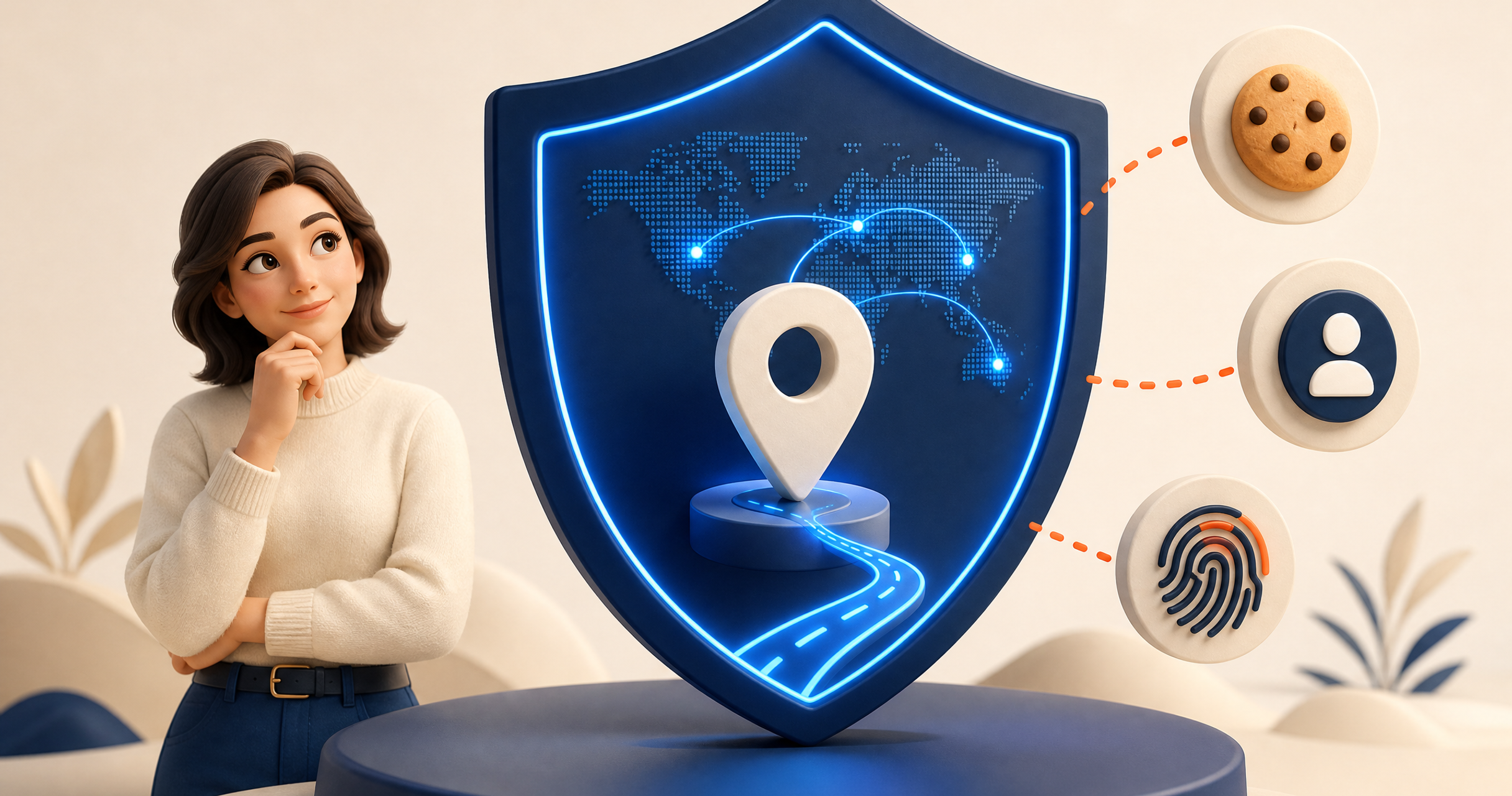
A VPN can make your connection more private, but it does not make you anonymous everywhere online. The clearest way to understand a VPN is to separate what happens to your network connection from what happens inside your browser, accounts, and apps.
When connected, a VPN generally hides your home or mobile IP address from the websites you visit and encrypts traffic between your device and the VPN server. It does not erase your identity from services you sign in to, remove tracking cookies already in your browser, or protect you from every scam.
What a VPN usually hides
Your public IP address from websites
Your IP address can reveal an approximate location and which internet provider or network you use. When a VPN is connected, a website usually sees the VPN server's IP address instead of your original one.
The contents of your connection from local network observers
On a hotel, airport, cafe, or other shared Wi-Fi network, encryption helps prevent other people on the same network from easily reading the traffic between your device and the VPN server. This is one reason a VPN is useful on public Wi-Fi.
Also Read: Is Using a VPN Legal? A Straight Answer
More detail about your browsing from your internet provider
Your provider can still see that your device is connected to a VPN and how much data is moving. But the encrypted tunnel reduces the detail it can see about the sites and services you use inside that connection.
What a VPN does not hide
Your identity when you sign in
If you sign in to Google, a bank, a social network, or an online shop, that service can still know it is you. A VPN changes the network route; it does not make an authenticated account anonymous.
Cookies and browser fingerprinting
Websites can use cookies, browser settings, fonts, screen size, and other signals to recognize a browser over time. A VPN does not automatically clear those signals. Review privacy settings, clear unwanted cookies, and consider using a separate browser profile for separate activities.
Malware, phishing, and unsafe downloads
A VPN is not a substitute for security updates, strong passwords, multi-factor authentication, and careful judgment. It may be part of a safer setup, but it cannot make a malicious download safe or prevent you from entering a password into a convincing fake site.
Information you choose to share
Posts, forms, public profiles, and location permissions can expose personal information even while a VPN is on. Check app permissions and think before sharing details publicly.
A practical privacy routine
Use a VPN on public or unfamiliar networks. Keep your device and browser updated. Turn on multi-factor authentication for important accounts. Review browser extensions, location permissions, and saved passwords. Finally, test your connection periodically for [DNS, IP, and WebRTC leaks](/blog/how-to-test-vpn-leaks/).
If you want a clearer explanation of the underlying feature, see [KeenVPN's leak and DNS protection](/leak-protection.html). For information about data practices, read the [Privacy Policy](/privacy.html).
FAQ
Can my internet provider see what I do with a VPN?
It can normally see that you are using a VPN and the amount of data transferred. The VPN encryption reduces the detail it can see about the websites and services inside the encrypted connection.
Does a VPN hide my location completely?
No. It can replace your visible IP address with the VPN server's IP address, but services can still infer location from account settings, device permissions, Wi-Fi information, cookies, and other signals.
Does a VPN stop tracking?
Not by itself. A VPN helps with network privacy, while cookies, browser fingerprinting, account logins, and app permissions need separate privacy controls.
Suggested related links: VPN vs. Proxy vs. Smart DNS: Which One Should You Use?


