
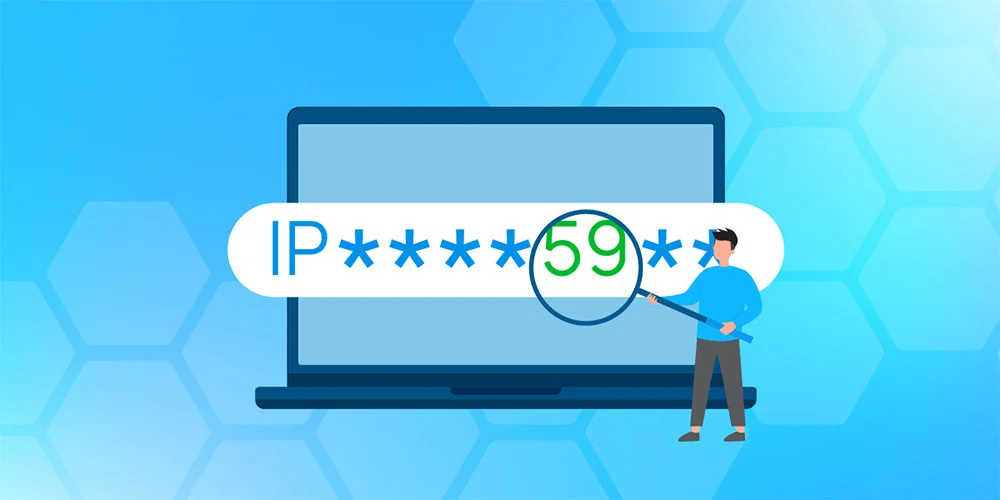
When you need to hide proxy server activity and keep your IP truly private, the first step is understanding what a proxy actually does. A proxy acts as an intermediary that forwards your web requests to the destination server, often changing the apparent source IP. However, most proxies don’t encrypt traffic, leaving data exposed to eavesdroppers.
TL;DR
- Use a reputable VPN to encrypt all traffic and mask your IP, including any proxy requests.
- Test for DNS leaks after connecting; a clean result means your real IP isn’t leaking.
- Choose a proxy type (HTTP, SOCKS5) that matches your use case, but pair it with a VPN for full privacy.
Understanding Proxy Servers and IP Masking
Proxies come in several flavors. An HTTP proxy handles web page requests, while a SOCKS5 proxy can tunnel any TCP traffic, from email to gaming. They replace your public IP with the proxy’s IP, which is useful for bypassing geo-restrictions or basic anonymity. But because most proxies operate in clear text, anyone on the same network, or a malicious exit node, can sniff your data.
And that’s where the distinction between a proxy and a VPN becomes critical. A VPN, short for Virtual Private Network, creates an encrypted tunnel from your device to a VPN server. All packets, whether they originate from a browser, a torrent client, or a proxy, travel inside this tunnel. The destination sees the VPN server’s IP, never yours.
Key Differences: Proxies vs. VPNs
| Feature | Proxy | VPN |
|---|---|---|
| Encryption | Usually none | AES-256 encryption |
| Scope | Per-application or per-protocol | System-wide (all traffic) |
| IP Masking | Only for routed traffic | All outbound traffic |
| Speed impact | Low (no encryption) | Moderate (encryption overhead) |
But speed isn’t the only factor. When you hide proxy server usage from a bank or a streaming service, you also need to prevent DNS leaks. A DNS leak occurs when your device sends DNS queries outside the encrypted tunnel, revealing your true location. A quality VPN includes built-in DNS leak protection, something most free proxies lack.
How to Hide Proxy Server Traffic Effectively
Below is a step-by-step guide to ensure your proxy usage stays hidden while you enjoy the benefits of IP masking.
- Choose a reliable proxy type. For web browsing, an HTTP or HTTPS proxy works. For torrenting or gaming, pick SOCKS5.
- Subscribe to a reputable VPN. Look for a no-logs policy, strong encryption, and a large server network. KeenVPN, for example, offers fast, no-logs servers in over 80 countries.
- Configure the proxy inside the VPN.When you choose a proxy, consider not only the protocol but also the authentication method it supports. Basic authentication sends credentials in clear text, which can be intercepted on an unsecured network, while NTLM or Kerberos authentication encrypts the handshake and is preferred in corporate environments. Some SOCKS5 providers also offer username/password or IP‑based ACLs that restrict which clients may use the proxy, adding a layer of access control that can prevent unauthorized parties from piggy‑backing on your connection.
References
- Proxy server - Wikipedia -- Provides a clear definition and types of proxy servers
- What is a VPN?. How VPNs work and why you need one -- Explains VPN fundamentals and privacy benefits
- How to test for DNS leaks -- Tool for verifying DNS leak protection when using VPNs
- Federal Trade Commission. Protecting Your Personal Information -- Official guidance on online privacy and data security



No comments yet. Be the first to share your thoughts!
Leave a Comment